
Zero-UI Movement: Why Context-Aware Voice and Gesture Tools are Killing the Traditional App Interface
For decades, our interaction with technology has been defined by the "rectangle." Whether it was a desktop monitor, a laptop screen, or the smartphone in your palm, digital life was mediated through a Graphical User Interface (GUI). We learned to tap icons, scroll through menus, and toggle switches. But as we move through 2026, the rectangle is fading. We are entering the era of Zero-UI.
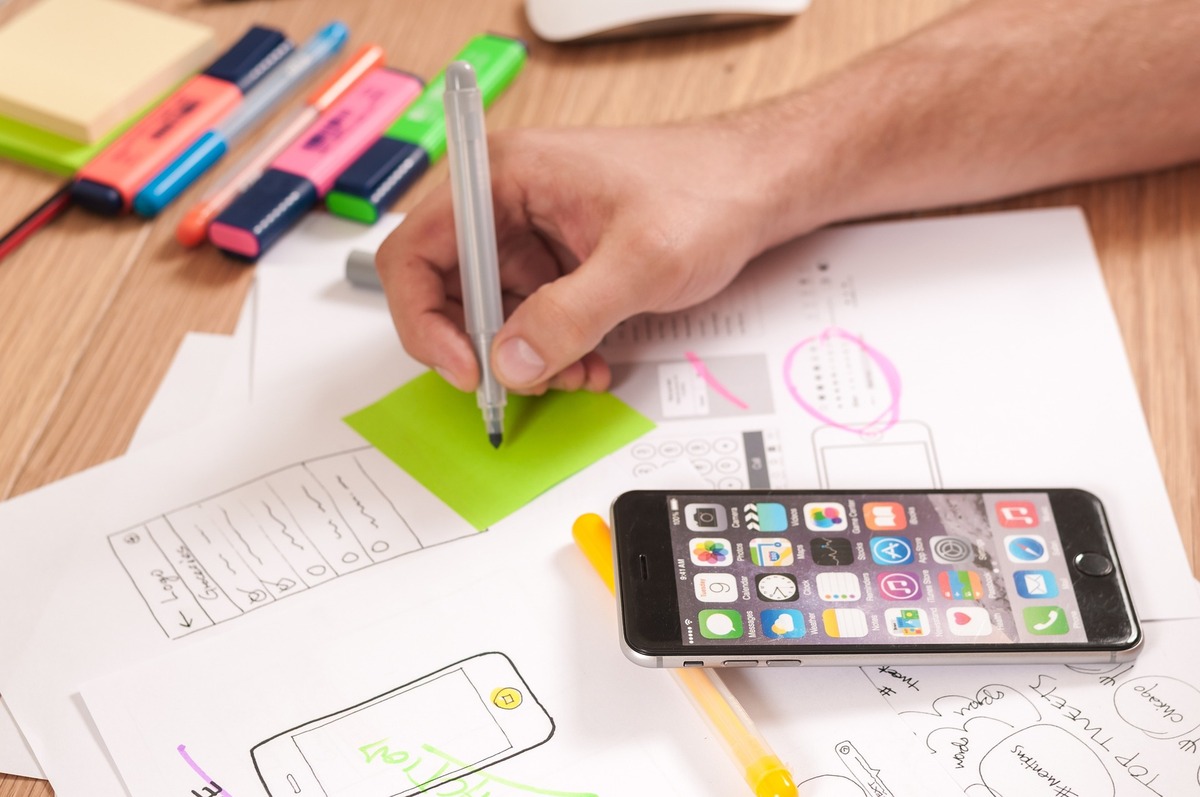
The Zero-UI movement is not about the total disappearance of screens, but rather the disappearance of the interface as a barrier. It represents a shift toward a world where technology responds to natural human behaviors—voice, gestures, glances, and even intent—without requiring us to open an app or click a button. In this new landscape, context is the new currency, and the traditional app interface is officially on the endangered species list.
What is Zero-UI?
Zero-UI refers to a design philosophy where the interaction between human and machine happens through natural movements and environmental triggers. Instead of navigating a complex hierarchy of menus within a travel app, you simply speak to the air or wave your hand.
The "Zero" doesn't mean there is no interface; it means the interface is invisible. It relies on high-fidelity sensors, machine learning, and spatial computing to turn the physical world into a digital canvas.
The Core Components of Zero-UI:
Haptic Feedback: Subtle vibrations on wearables that communicate information without a screen.
Computer Vision: Cameras that interpret body language, hand gestures, and eye movements.
Ambient Voice: Microphones that distinguish between casual conversation and "intent-driven" commands.
Biometric Intent: Sensors that monitor heart rate or skin temperature to adjust environmental settings (like lighting or music) automatically.
The Death of the "App Silo"
The traditional smartphone experience is fragmented. If you want to book a trip, you open a flight app, then a hotel app, then a calendar app. This is known as "App Silo" culture.
In 2026, the Zero-UI Movement has replaced these silos with Context-Aware Workflows. Because your device (whether it’s a pair of AR glasses, a pin on your lapel, or your smartwatch) knows your location, your schedule, and your historical preferences, it anticipates your needs.
Imagine walking through an airport. Instead of fumbling with a phone to find a QR code, your "Digital Twin" senses you are approaching the gate. Your smartwatch vibrates with a specific haptic pattern to confirm your identity, and the gate opens. No app, no tap, zero friction.
Why Context-Awareness is the Real Game Changer
The failure of early voice assistants (like the versions of Siri or Alexa from the 2010s) was their lack of context. They were "reactive" rather than "proactive." Zero-UI in 2026 is powered by Environmental Context.
1. Spatial Awareness
Modern tools understand where you are in a 3D space. If you point your finger at a historic monument while walking through Rome, your bone-conduction earpiece whispers the history of that building. You didn't have to search for it; the gesture and the location provided all the necessary metadata.
2. Behavioral Context
The system learns your "baseline." If you usually drink coffee at 8:00 AM, and your smart ring senses a drop in your activity levels or a specific change in your vocal tone suggesting fatigue, it can suggest—or even pre-order—your favorite beverage when you pass a cafe.
3. Social Context
Zero-UI systems are now smart enough to know when not to interrupt. By analyzing the proximity of other people and the volume of your own voice, the system knows if you are in a private meeting or a public square, adjusting its feedback mechanism accordingly (switching from voice to haptic, for example).
Gesture Control: The New "Click"
With the maturation of spatial computing and LiDAR (Light Detection and Ranging) on mobile devices, gesture control has moved beyond gaming.
In 2026, "Air Gestures" have become the primary way we interact with smart environments. A simple "swipe" in the air can dim the lights in a hotel room. A "pinch and pull" motion can expand a holographic map projected onto a table. This is particularly transformative for the travel industry. Tourists can interact with "Digital Concierges" at kiosks using touchless gestures, which is not only more intuitive but also more hygienic in a post-pandemic world.
The Role of Voice: Beyond Simple Commands
Voice interaction has evolved from "Set a timer" to "Help me solve this." Thanks to the integration of on-device Large Language Models (LLMs), voice interfaces now support Multi-Turn Reasoning.
You can have a fluid, 10-minute conversation with your travel assistant while packing your bags. You can say, "I'm worried about the weather in Tokyo; check my itinerary and see if we should move the outdoor walking tour to Tuesday, and if so, check if the guide is available." The system processes this complex, multi-variable request through voice alone, updating your calendar and notifying the guide in the background.
Impact on the Travel Industry: A Zero-UI Journey
For a travel-centric platform like IntoTravels, Zero-UI is the ultimate goal for customer experience. Let’s look at a typical traveler’s journey in 2026:
| Stage | Traditional Interface (2021) | Zero-UI Experience (2026) |
|---|---|---|
| Planning | Hours of scrolling through websites and reviews. | A voice conversation with an AI agent that "knows" your budget and vibe. |
| Check-in | Standing in line to show a digital PDF on a phone. | Biometric facial recognition and haptic confirmation as you walk past a sensor. |
| Navigation | Constantly looking down at Google Maps on a screen. | Audio-spatial cues (the sound of a bell in your left ear tells you to turn left). |
| Translation | Typing phrases into a translation app. | Real-time, transparent "Live Caption" glasses or instant earbud translation. |
The Design Challenges: Designing for the Invisible
The shift to Zero-UI presents a massive challenge for designers. How do you design an experience that has no visual elements?
Anticipating Error: Without a "Back" button, systems must be incredibly accurate at interpreting "Correction Gestures" (like a shake of the head) to undo an action.
Privacy Paradigms: Since Zero-UI requires "Always-On" sensing (microphones and cameras), companies must prove that the processing is happening locally (On-Device) and not being streamed to a cloud server.
Accessibility: While Zero-UI helps many, it must be designed to accommodate those with speech or motor impairments, ensuring that "Context" can be pulled from whatever input method the user is most comfortable with.
The Economic Shift: From Screen Time to Task Completion
For years, the "Attention Economy" was built on keeping users' eyes glued to screens. Apps were designed to be addictive.
Zero-UI flips the script. Success is no longer measured by "time spent in app," but by how quickly and invisibly a task was completed. This is a massive blow to traditional ad-based revenue models that rely on banners and pop-ups. In 2026, the most valuable "apps" are the ones you never actually have to see.
Conclusion: Living in the "Flow"
The Zero-UI movement is ultimately about returning us to the physical world. For too long, we have walked through beautiful cities and sat at dinner tables with our heads bowed toward glowing rectangles.
By utilizing context-aware voice and gesture tools, we are reclaiming our "Flow." Technology is finally moving into the background, becoming a quiet, helpful observer rather than a loud, demanding master. The traditional app interface isn't just being replaced; it's being transcended.


